Available

Utility Center
The all-in-one action console for Dynamics 365 and Power Apps model‑driven apps.
- 50+ tools in the browser side panel
- Online and on-premises
- Works within your security roles
- No analytics, ads or tracking
Tools for Dynamics 365 & Dataverse
Inspect forms, trace plug-ins, check access and move data between environments, with tools that use your own sign-in, respect your security roles and keep your data where it is.

The toolset
From the form in front of you, to the data you need to move, to the customizations nobody has mapped yet.
The all-in-one action console for Dynamics 365 and Power Apps model‑driven apps.

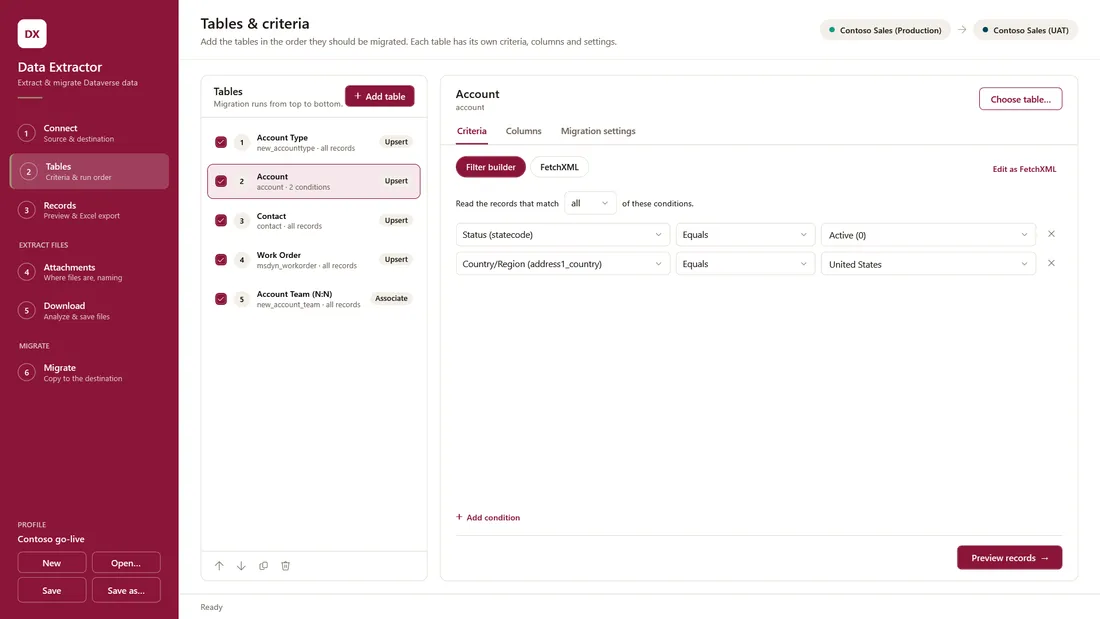
Extract Dataverse records with their files, and move them between environments.

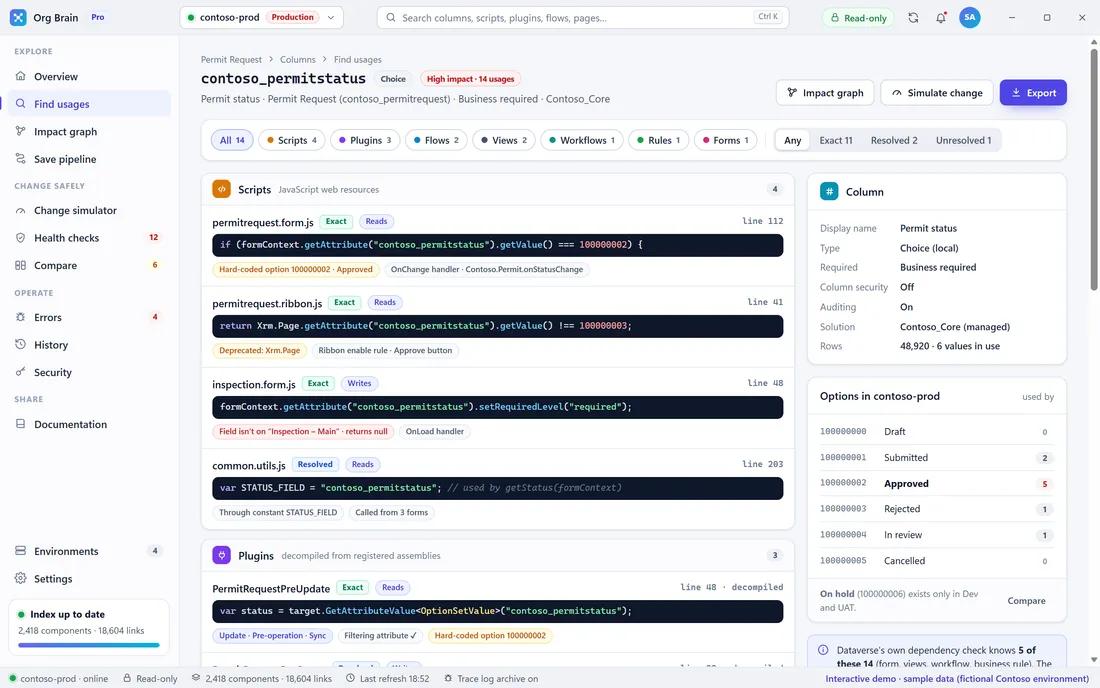
Know what uses a column, script or plug‑in, and what breaks if you change it.
Why XrmCraft
Every tool started as a fix for a problem met on Dynamics 365 projects, and grew until it deserved a proper home.
No analytics, ads or tracking in the tools. They talk to your environment and to Microsoft, never to us.
Every action runs with your own account and security roles, and Dataverse checks every request.
Save and delete previews, test runs and impact analysis come before anything is written.
On-premises support where it matters, local processing and clear permission lists for your security review.
Stay in the loop
One short e-mail when something ships. No spam.